Your Media Content On a Cinematic Screen
A fast media player with a user-friendly interface that gives your TV a cinematic touch.
Download the app from LG Apps and start your 14-day trial right away. Experience it for yourself!
Up and running in three steps
No technical setup, no extra hardware. Your content, your control.
Install on your TV
Get IPTVisionPro on your LG webOS smart TV and open it — the app is ready in seconds.
Add your source
Enter your own access data. Your content, your control.
Press play
And enjoy your content with smart features you always wished your app could have.
Everything you expect from a premium TV app
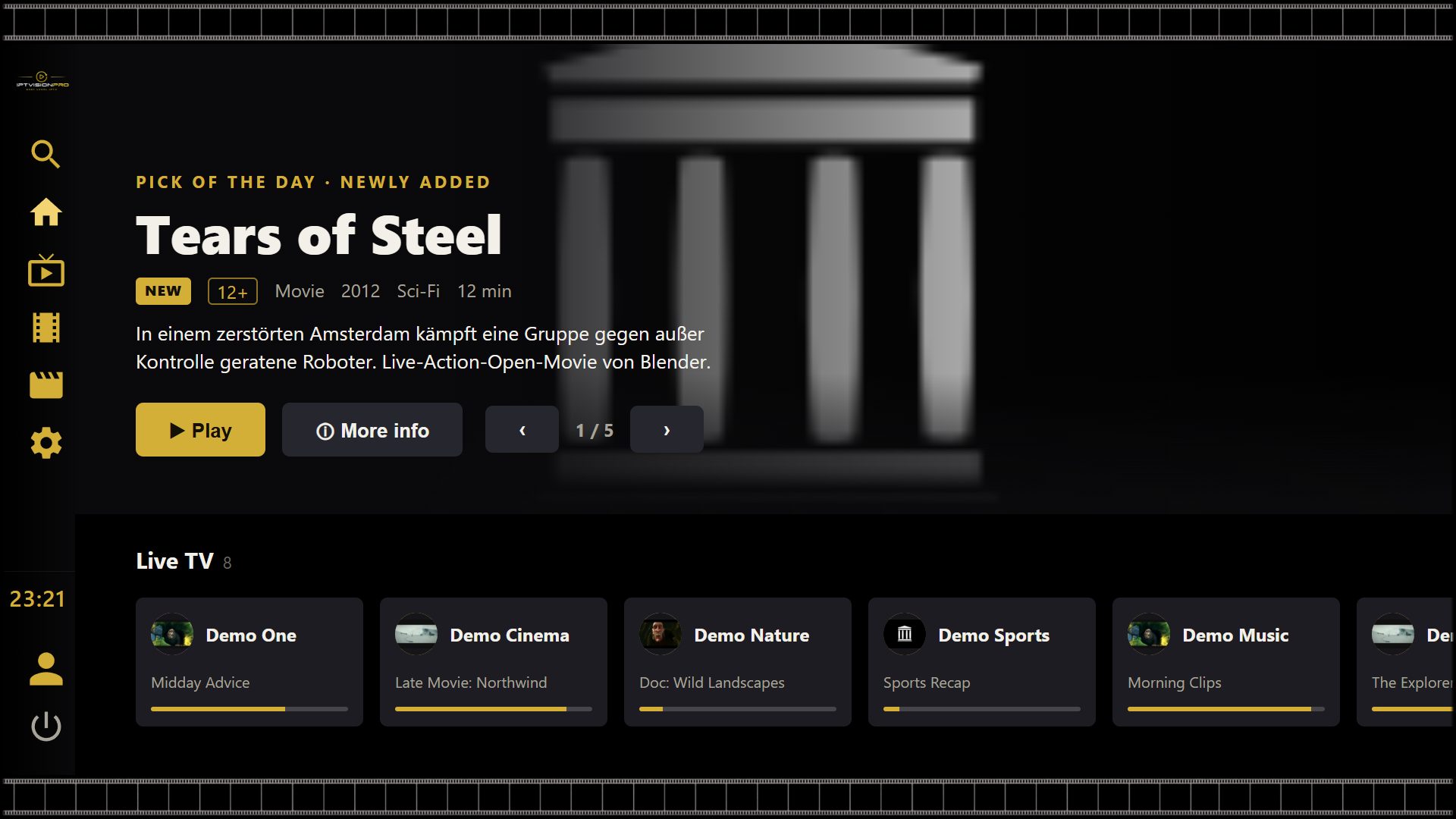
Cinematic interface
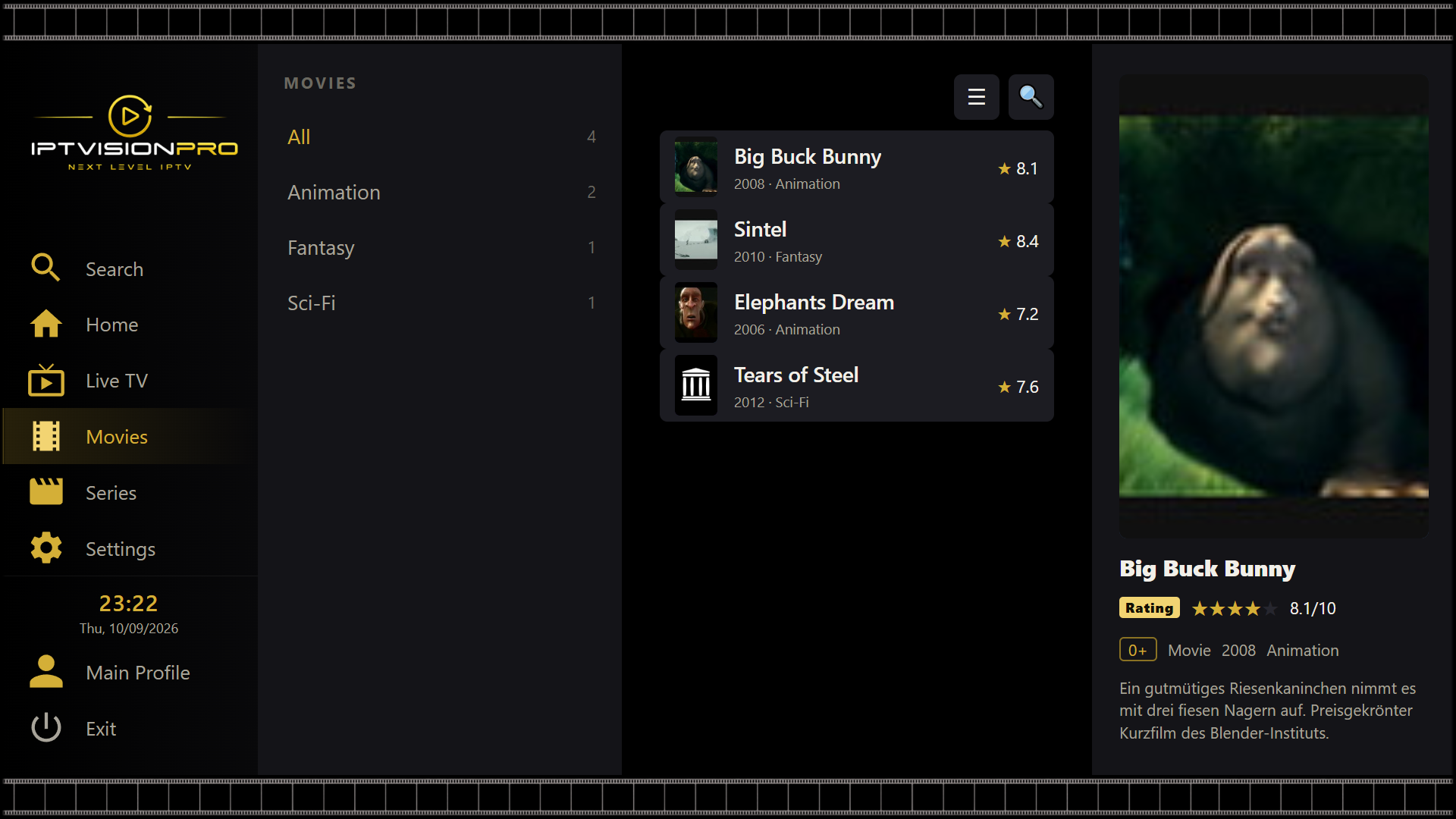
A polished, poster‑rich layout that makes browsing your library a pleasure — designed for the remote, not a mouse.
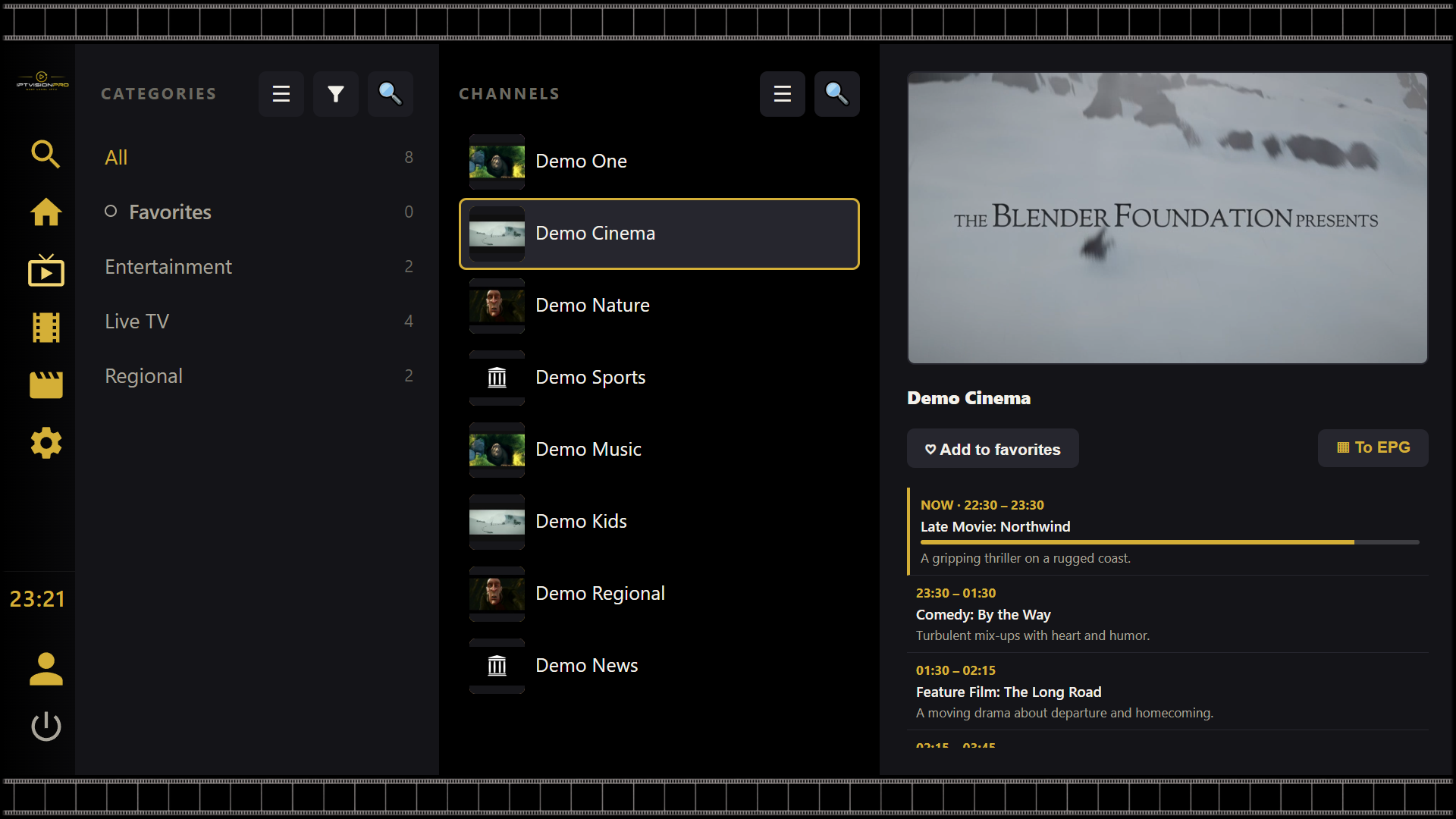
Live TV & EPG
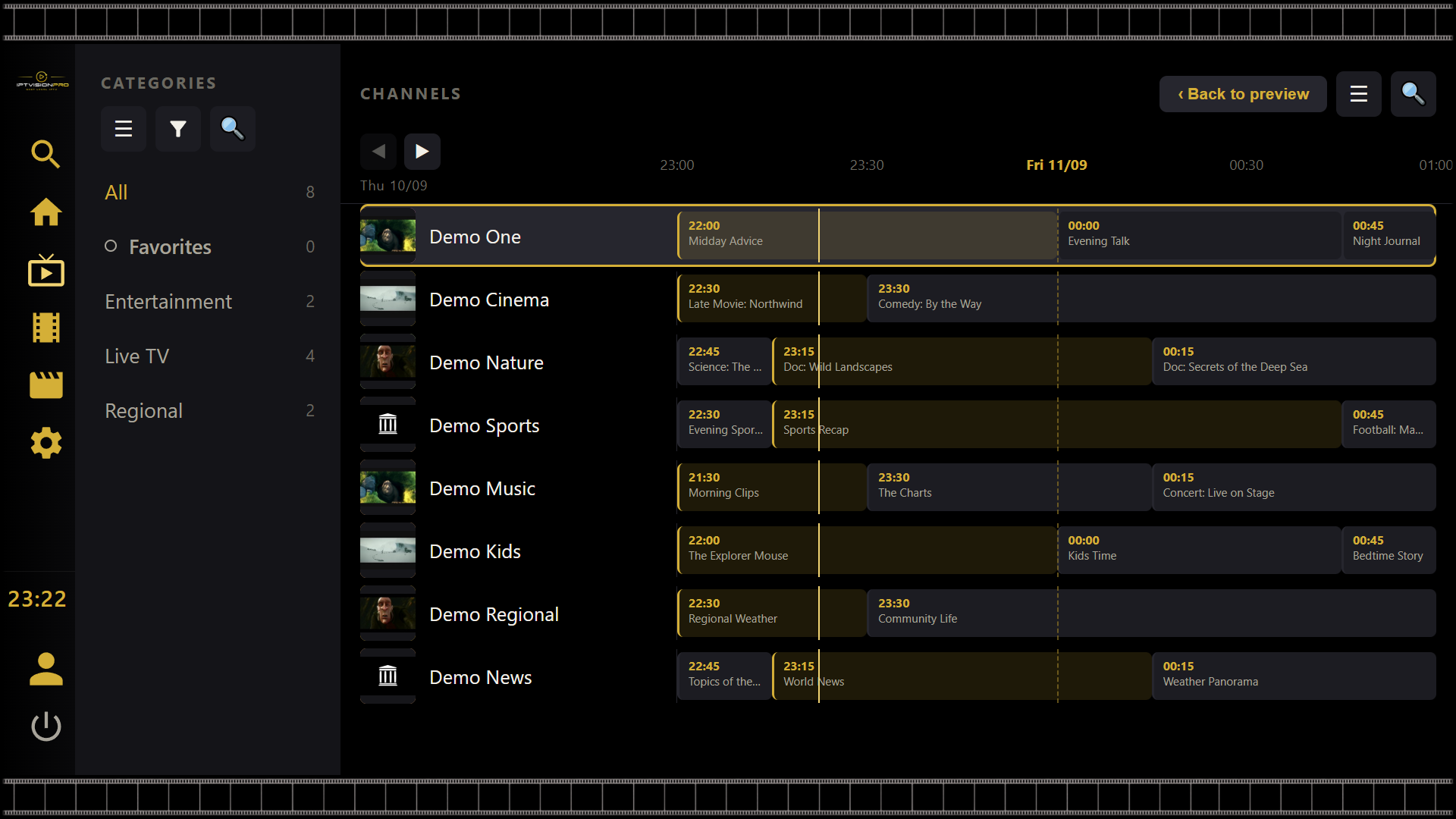
Categorised channels with a live preview and a full electronic programme guide — now / next and the whole day.
Favourites & profiles
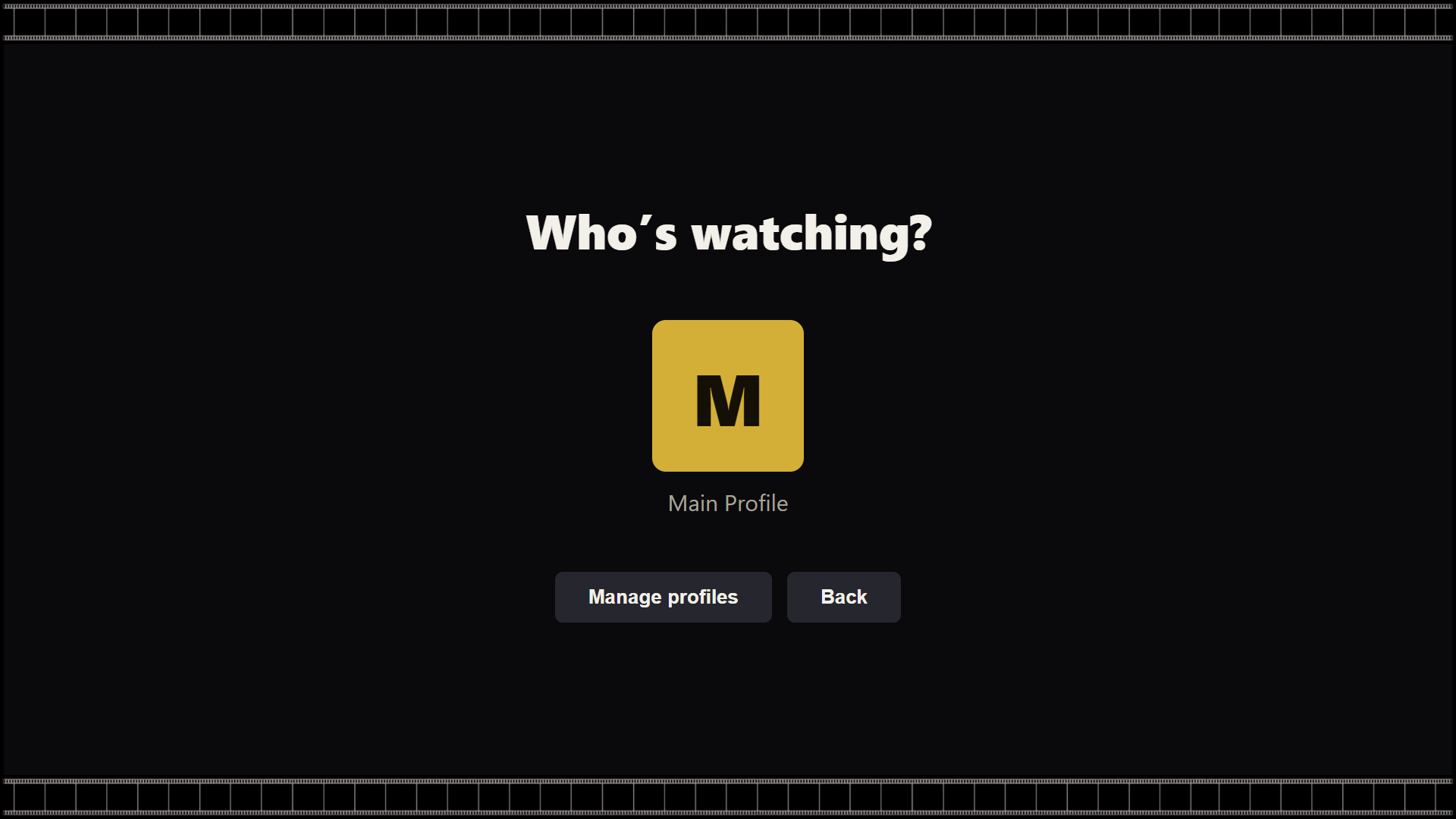
Pin your channels into folders and switch between household profiles, each with its own view.
Parental controls
A single parental PIN protects profile management and adult content, with dedicated kids profiles.
Instant search
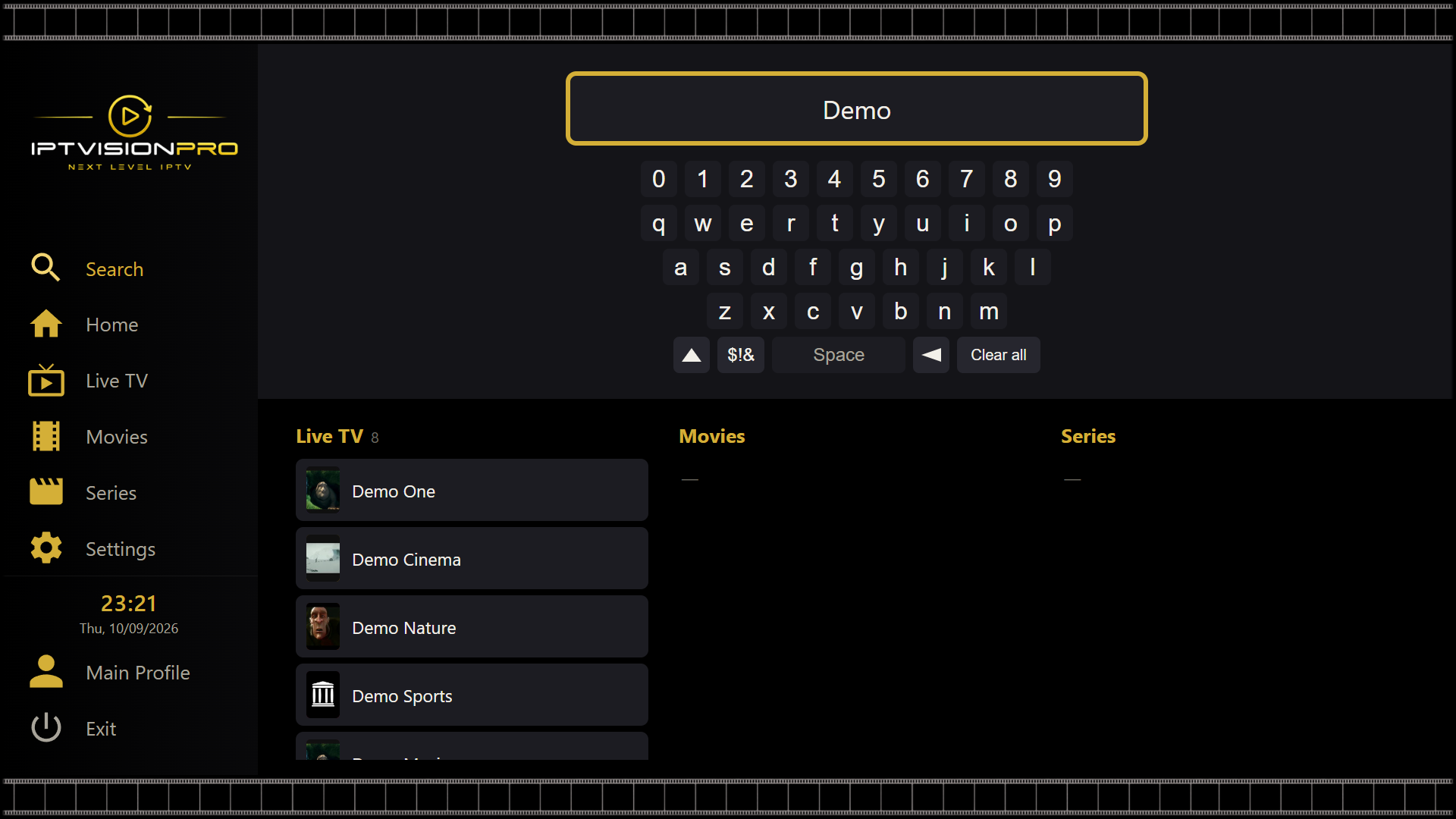
Find any channel, movie or series in a keystroke — no scrolling through endless lists.
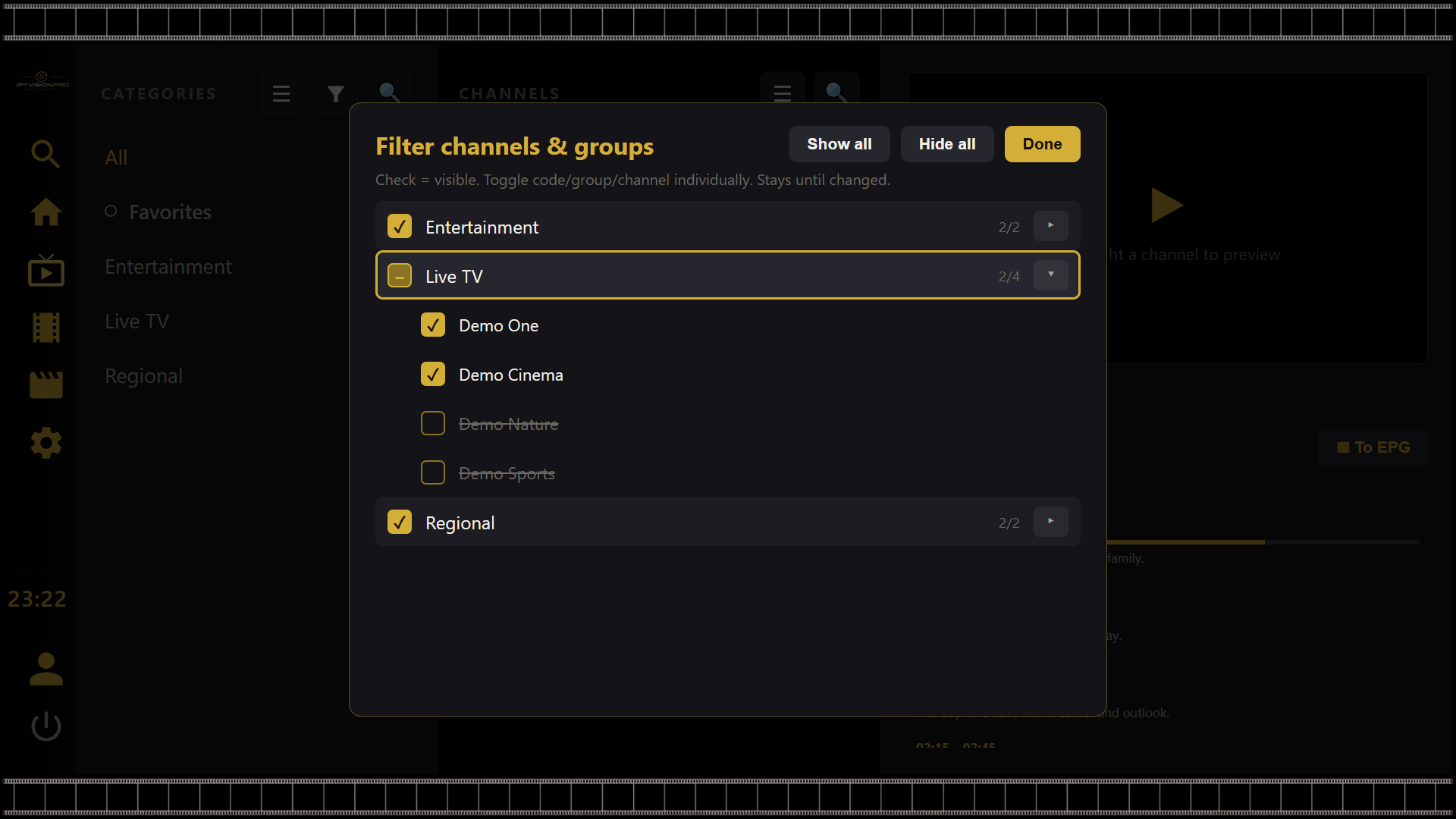
Filters
Hide the groups and channels you never watch and keep your list tidy, exactly the way you like it.
See IPTVisionPro in action
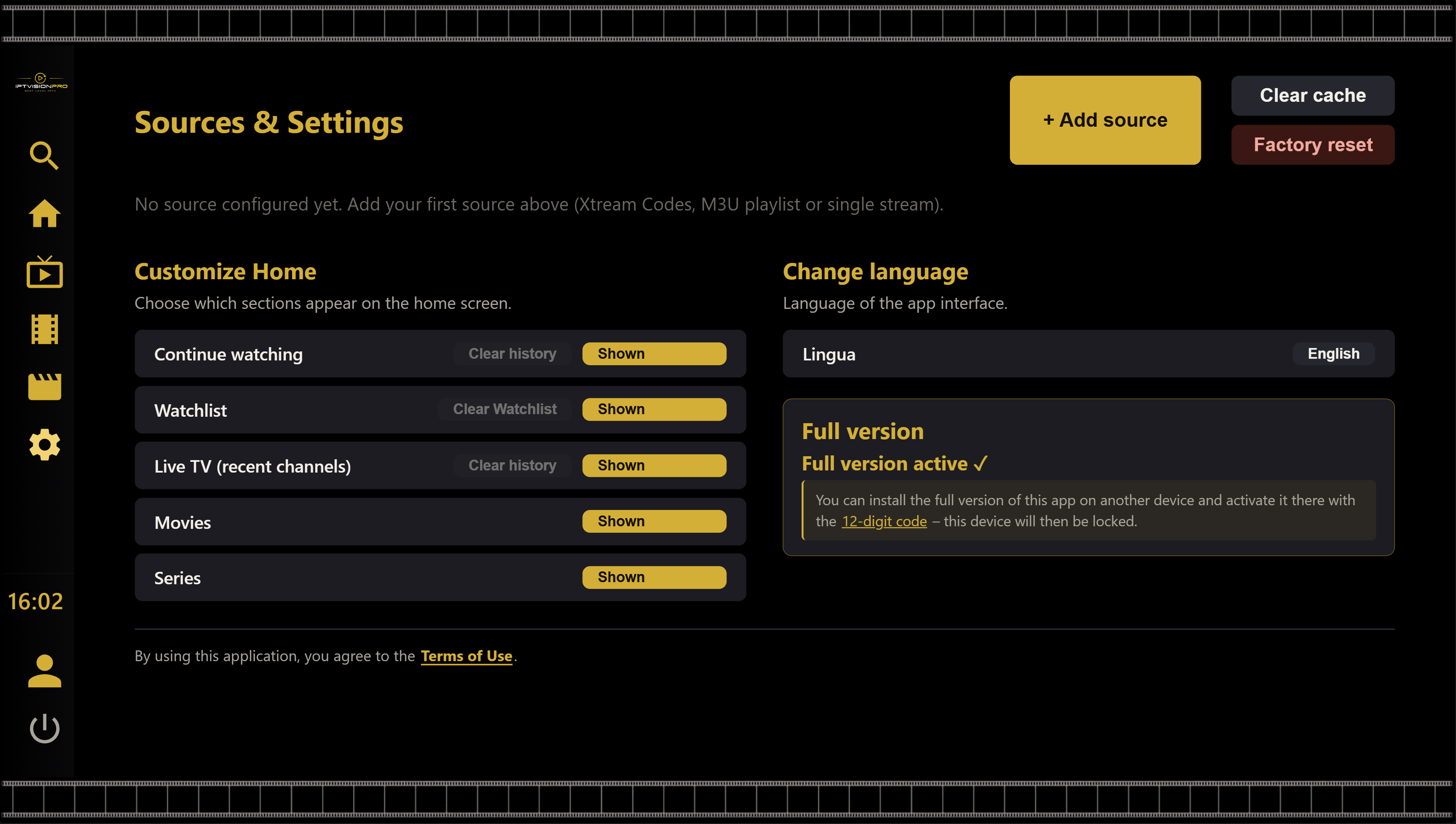
Try free for 14 days
Install IPTVisionPro on your LG smart TV and the 14‑day free trial starts automatically — full features, no account, no card. If it meets your expectations, activate the full version with a one-time purchase.
- Install IPTVisionPro from LG Apps on your webOS TV.
- Add your source — Your content, your control.
- Watch free for 14 days — the trial begins the moment you start.
Good to know
Does IPTVisionPro include channels or content?
No. IPTVisionPro is a media player only. It contains no channels, films or streams. You have to add your own legal IPTV source.
Is it a subscription?
No. The full version is a one‑time purchase, and there is a free 14‑day trial before you buy. No recurring fees.
Which sources does it support?
Xtream Codes accounts, M3U/M3U8 playlist links or single stream links. Each one of these is your own source.
How many TVs can I use?
One active TV per licence. You can move the licence to a new TV yourself at any time using your personal recovery code. The new TV is activated and the previously active TV is automatically deactivated.
Which devices are supported?
LG smart TVs running webOS 4.0 or newer — that is, LG models from 2018 onward.
How do payment and refunds work?
Payments are handled securely by Stripe (Stripe Managed Payments), acting as Merchant of Record. Refunds follow Stripe’s policy — see the Terms of Use for details.